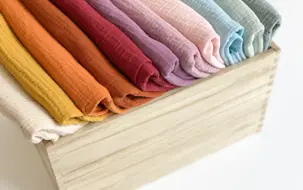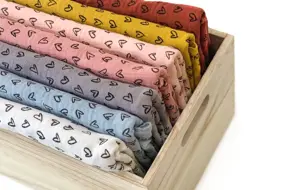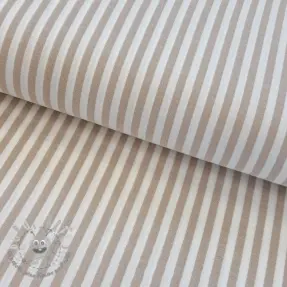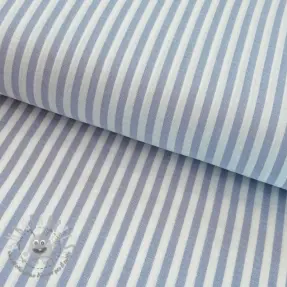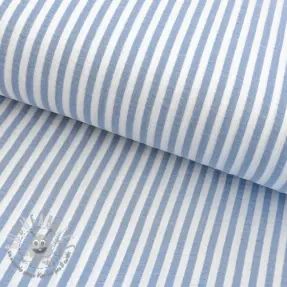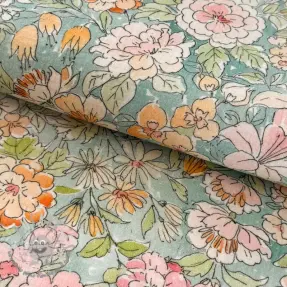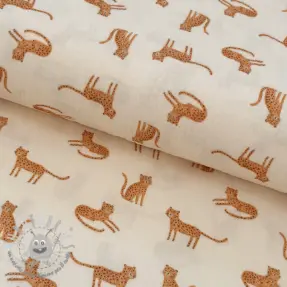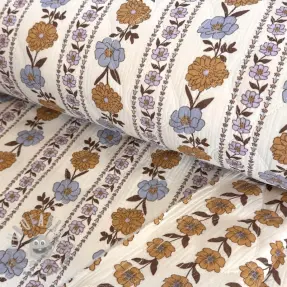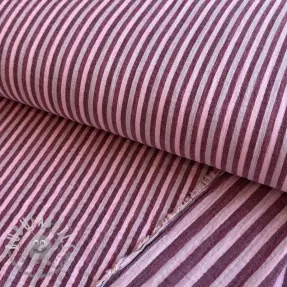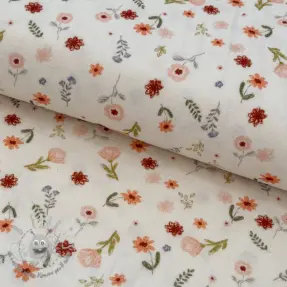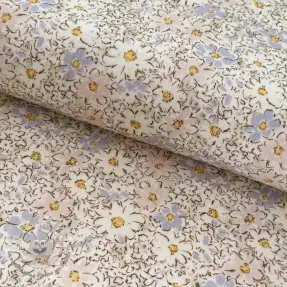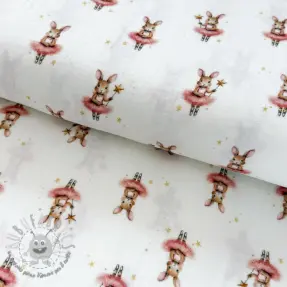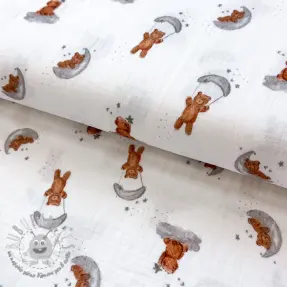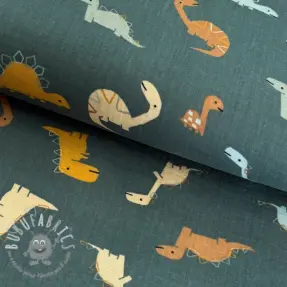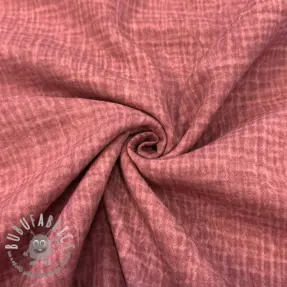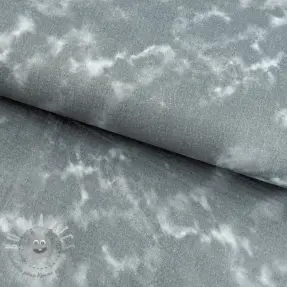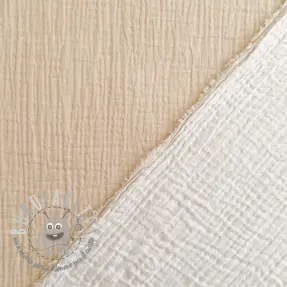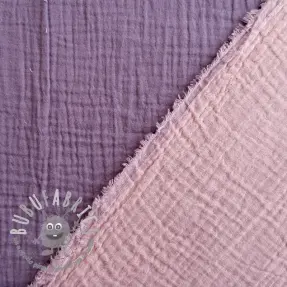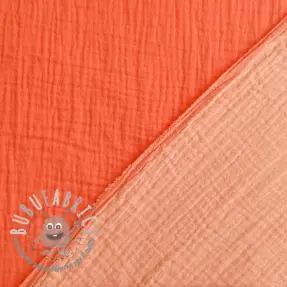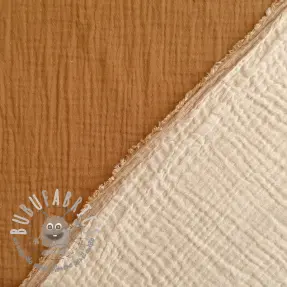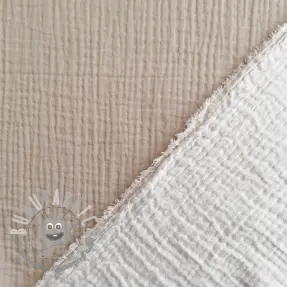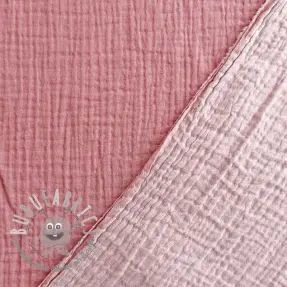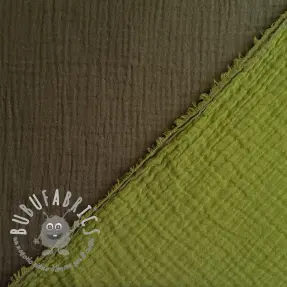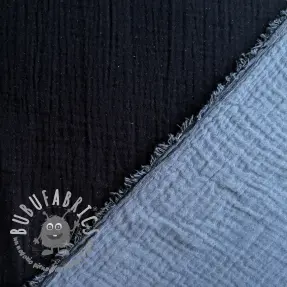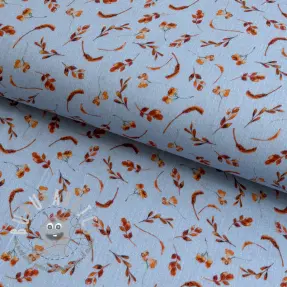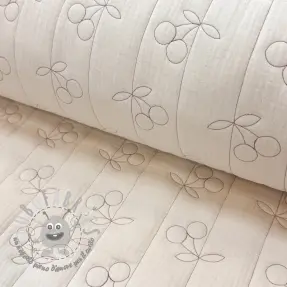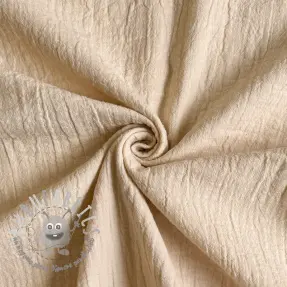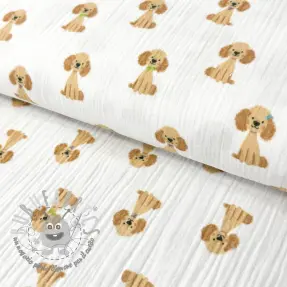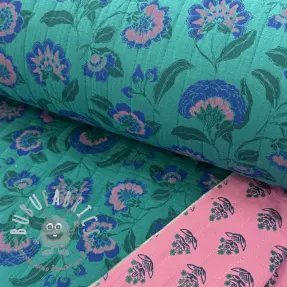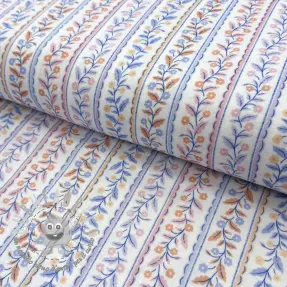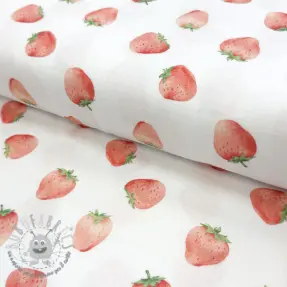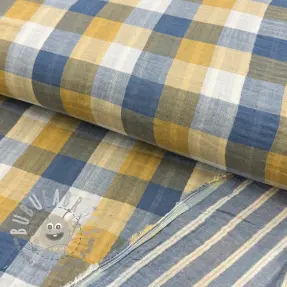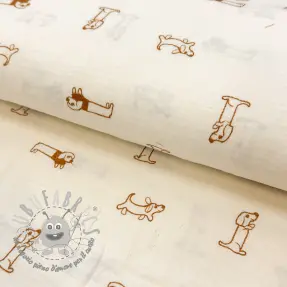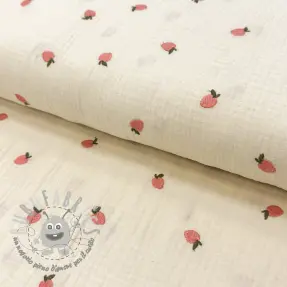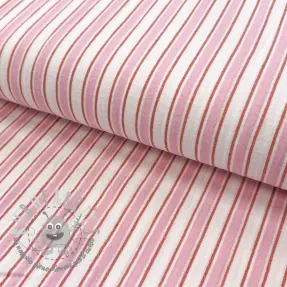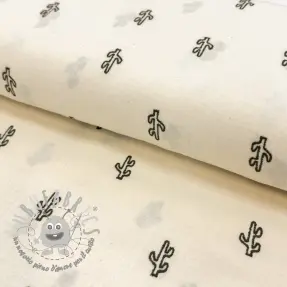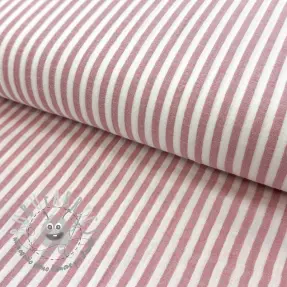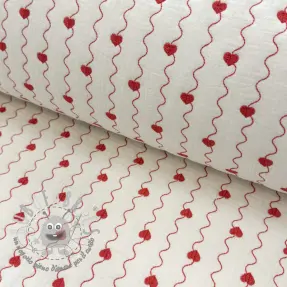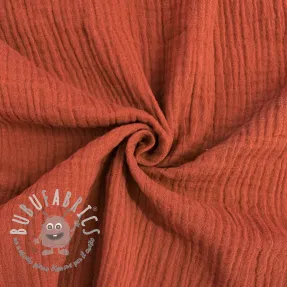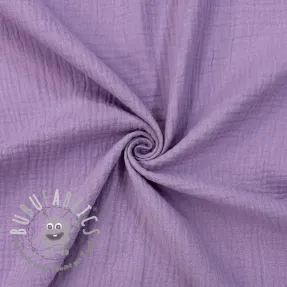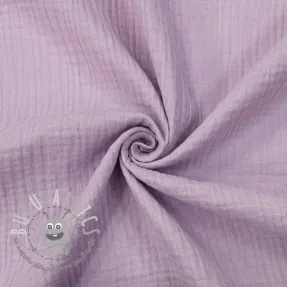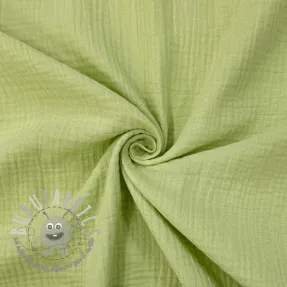
Cerchi un materiale che sia sinonimo di leggerezza, traspirabilità e un look naturale? La doppia garza, spesso chiamata mussola, è uno dei tessuti più amati su Bubufabrics. Questo tessuto 100% cotone è composto da due strati di garza sottile uniti da punti invisibili. Il risultato è un tessuto incredibilmente morbido, assorbente e delicato sulla pelle, perfetto per le creazioni destinate a grandi e piccini.
Massima traspirabilità: Grazie alla trama larga delle fibre, il tessuto lascia respirare la pelle, un vantaggio fondamentale durante le calde giornate estive.
Effetto "stropicciato" naturale: La doppia garza non va stirata! Dopo il lavaggio acquista la sua tipica texture, donando ai capi un look casual, bohémien e molto attuale.
Speciale Neonato: Certificata Oeko-Tex, è la scelta migliore per confezionare copertine, bavaglini, abbigliamento per neonati, fasce e doudou.
Moda per adulti: Realizza camicie intramontabili, gonne ampie o abbigliamento da casa ultra-comodo in cui sentirti libera.
Consiglio per il cucito: Raccomandiamo di lavare il tessuto prima di cucirlo, poiché il cotone ha un restringimento naturale. Più laverai la doppia garza, più diventerà soffice e piacevole al tatto.
nascondere 

mostrare 


 Programma fedeltà
 Novità
 Bubusconto
 info@bubufabrics.it